This page shows the information as of the date it was posted. Later updates may mean that the current screens and steps differ. For the latest information, see the articles linked on this page.
Schedule feature (beta): schedule meetings with a fixed link and QR code
You can now schedule a meeting in the browser version and issue a fixed link and QR code for participants (Schedule feature, beta).
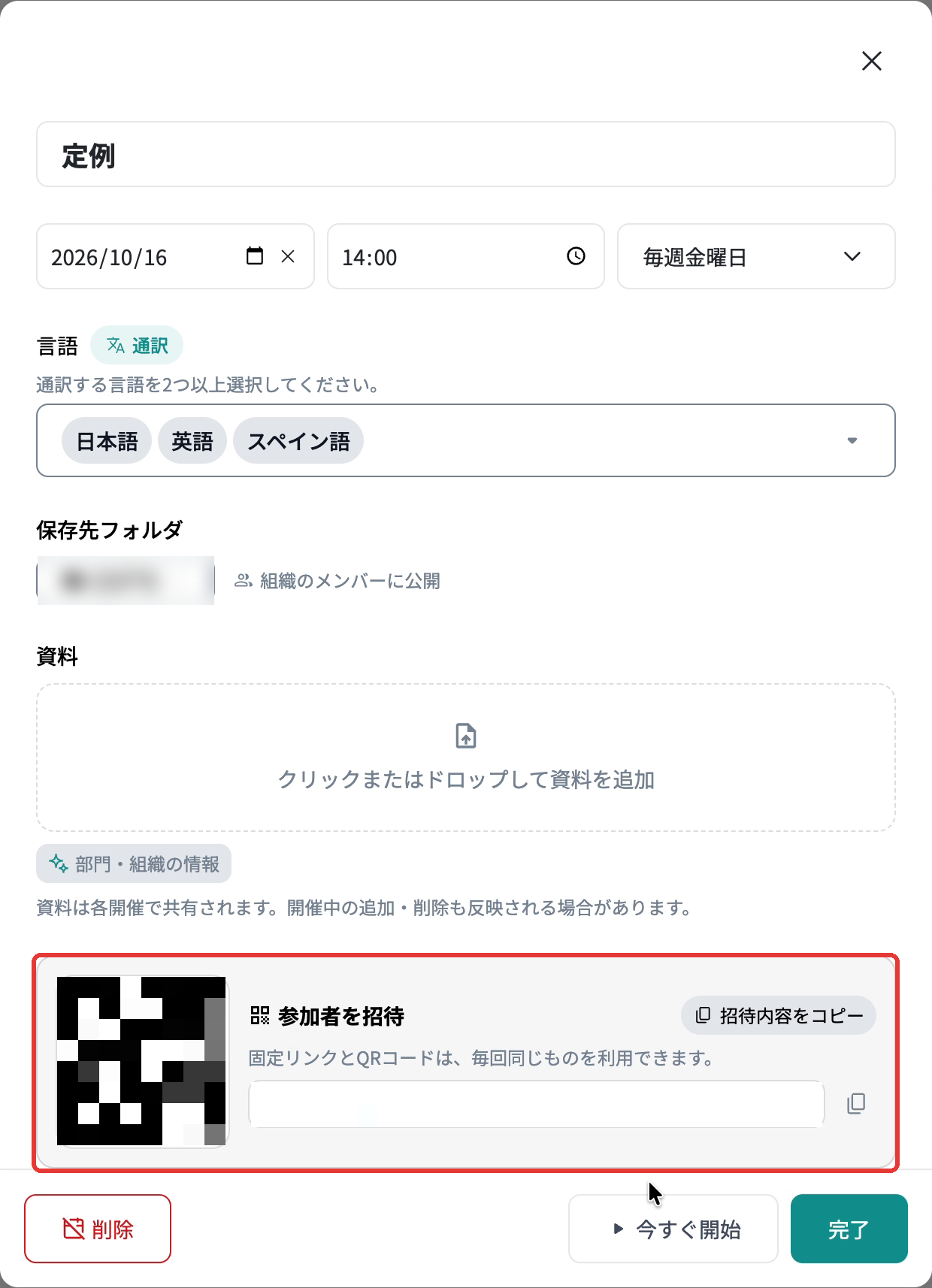
A Schedule button has been added at the top right of the home screen of the browser version of the admin console. Enter the meeting name, date and time, repeat setting, languages, save folder and so on, then save, and an invitation link and QR code for participants are issued.
You can send the invitation link or QR code to participants before the meeting. The invitation link, QR code and passcode are fixed, so you can use the same ones every time for a recurring meeting. You can also set the interpretation languages and the meeting materials when you schedule the meeting.
This feature is in beta, so its screens and functions may change.
For details, see Schedule and start meetings.