Managing Members
Admin privileges required
This feature is only available to users with Admin privileges.
Administrators can perform the following operations:
- View Members: View information about currently available member accounts in list format.
- Add Members: Add member accounts by email address.
- Delete Members: Delete members from the list. Deleted members will no longer be able to log in and will lose access to the service.
info
Account management can be done via either the CoeFont Text-To-Speech or CoeFont Interpreter websites. Any change will affect both products.
Open the Member Management Page
From the CoeFont Text-To-Speech website
- Go to https://coefont.cloud
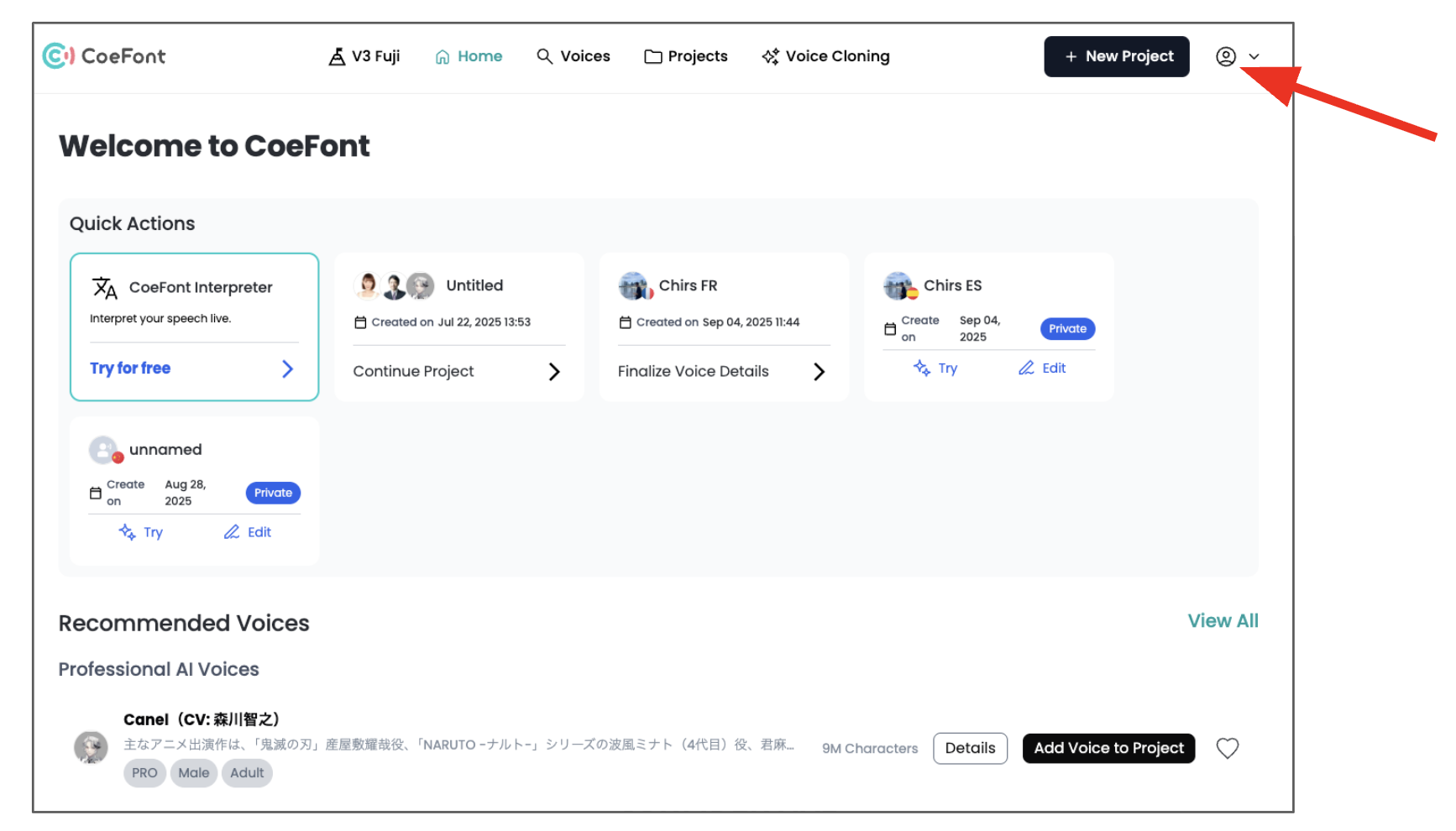
- Log in and click the icon on the top right corner
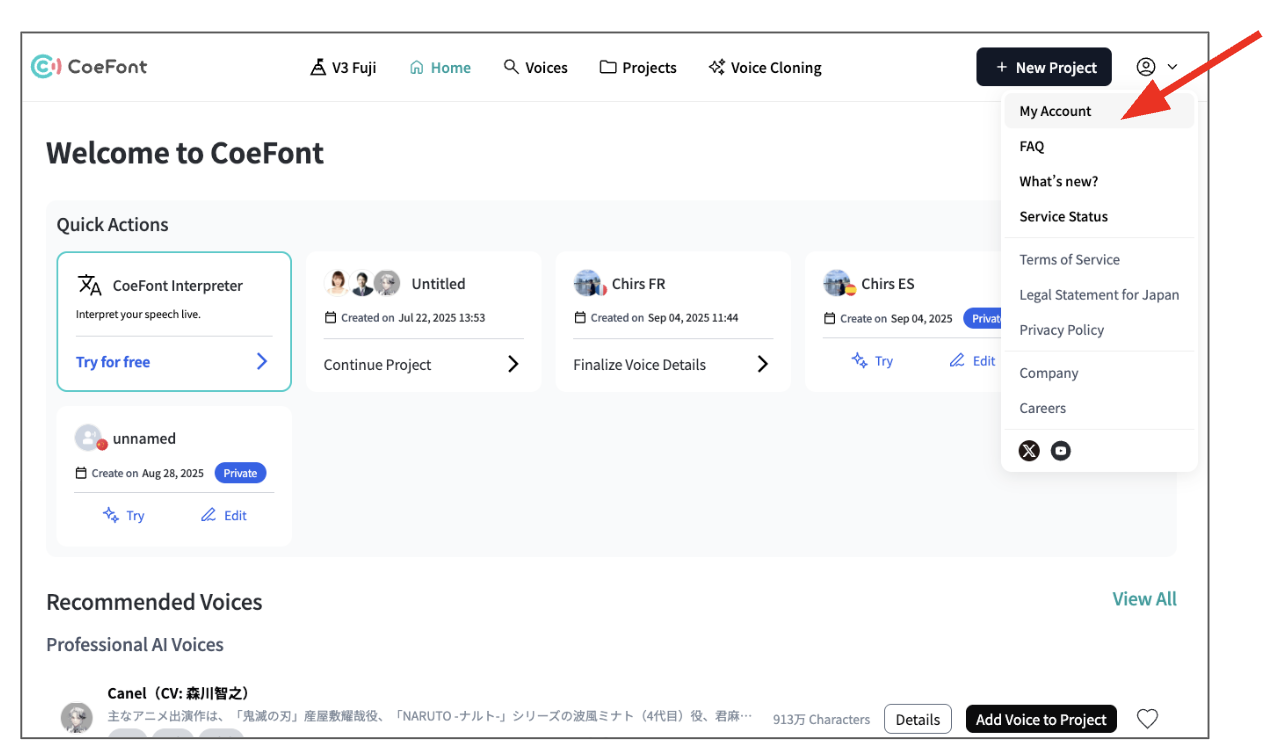
- Click My Account
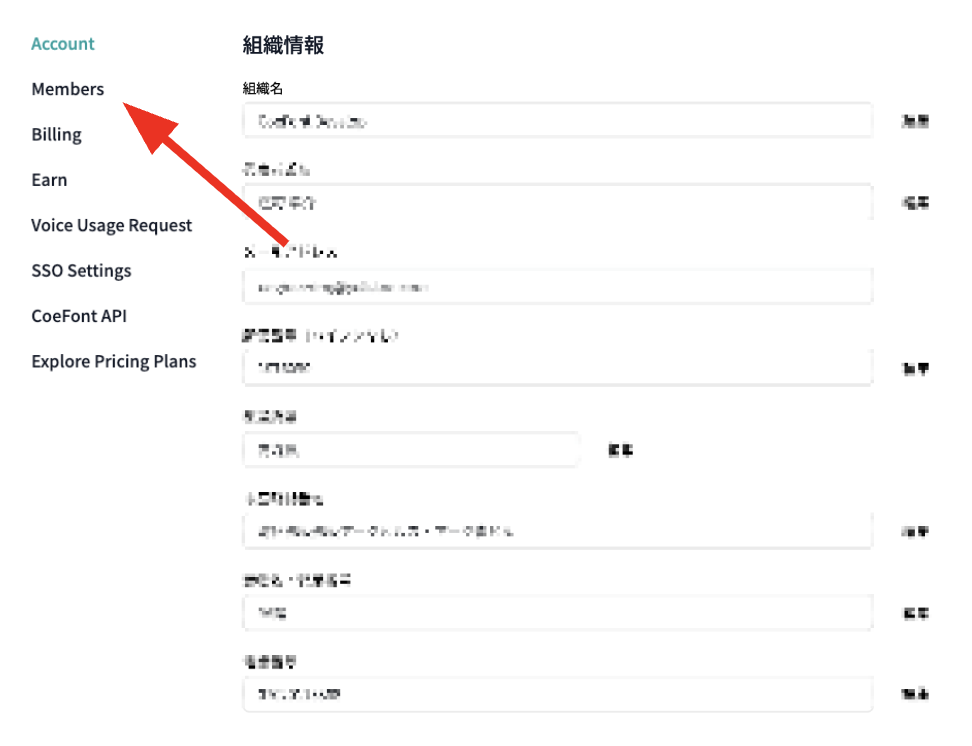
- Click Members
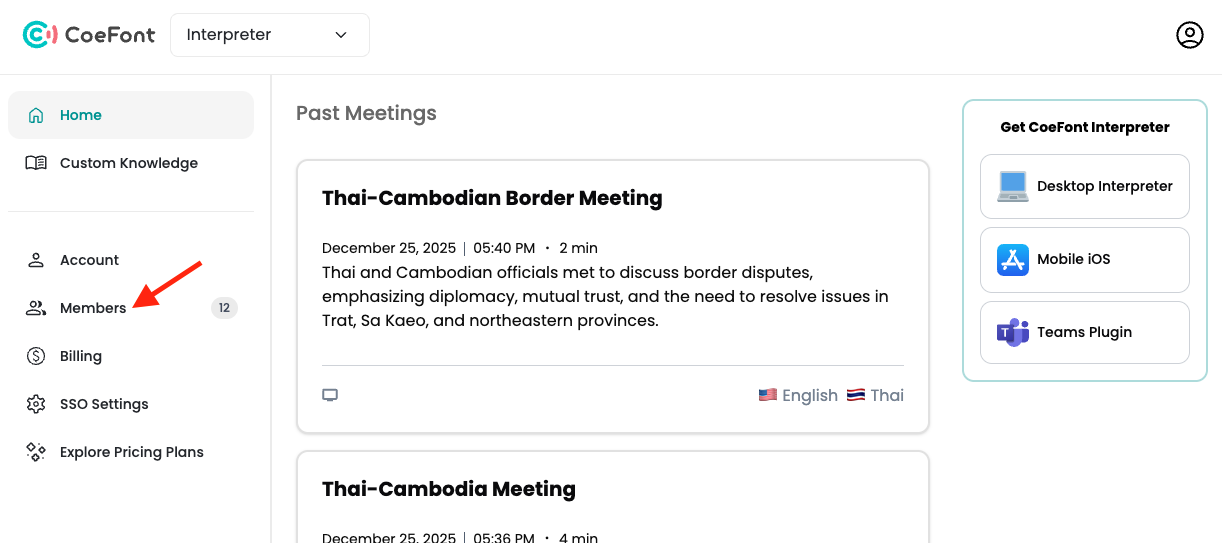
From the CoeFont Interpreter website
- Go to https://coefont.cloud/cir/home
- Click Members
Add a Member
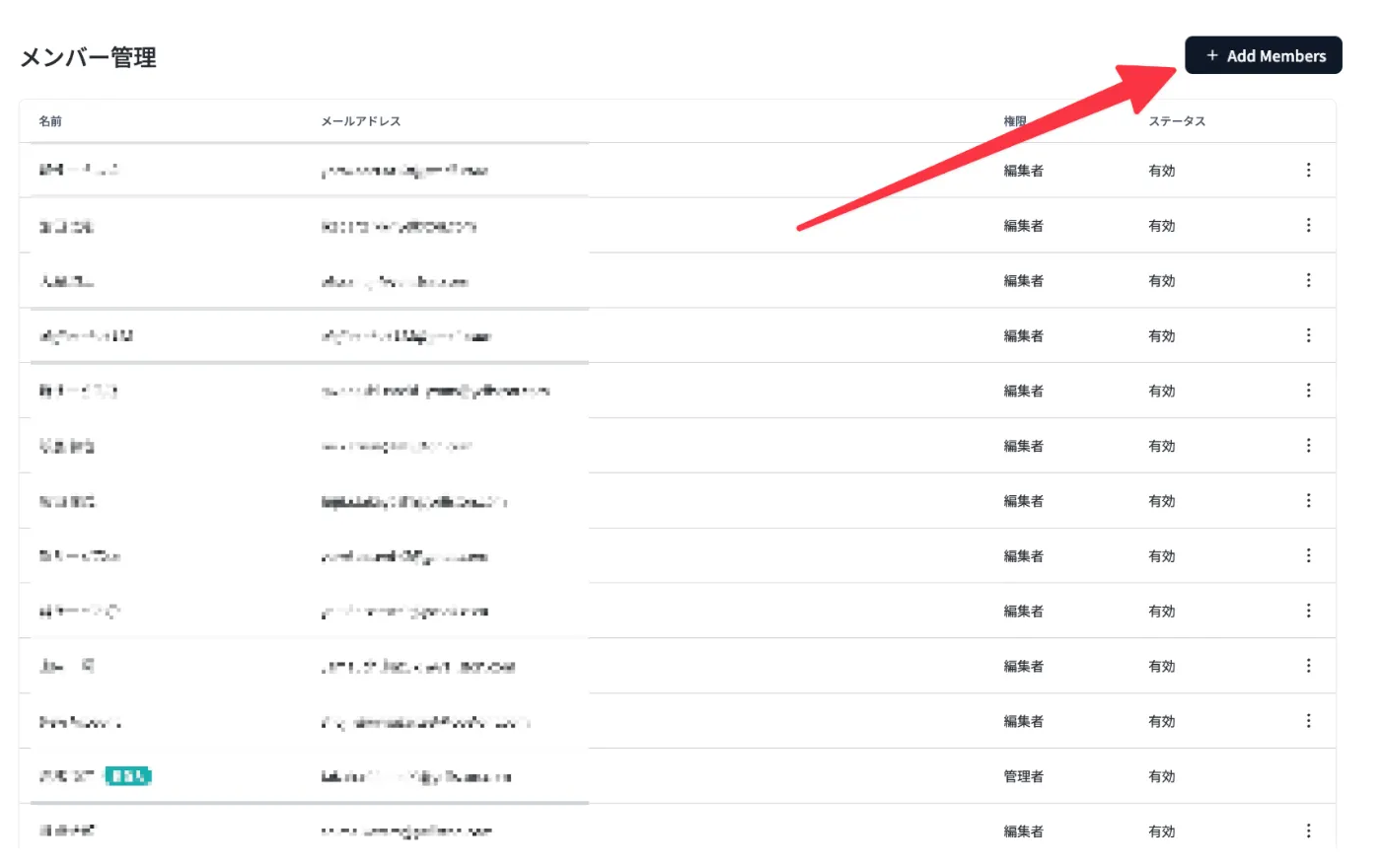
- Click + Add Members
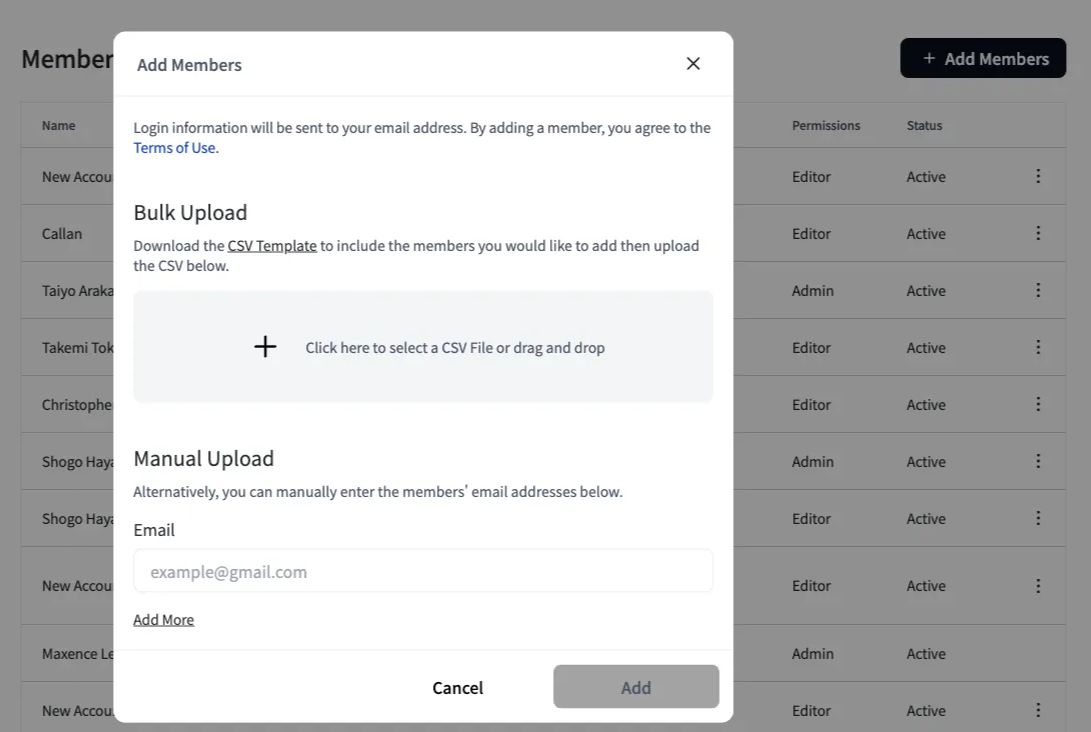
- Enter the email address and click Add
- An invitation email will be sent to the entered address. The invited member must set their password via the link in the email.
Invitation email expiry
The invitation email is valid for 1 hour after it is sent. If it expires, you can resend it from the three-dot menu (…).
Delete a Member
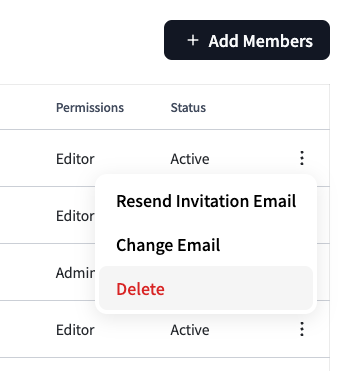
- Click the three-dot menu (…) on the row of the member you want to delete
- Select Delete User
caution
Deleted members will no longer be able to log in to the service. Please confirm you have selected the correct member before deleting.
Other Operations
The three-dot menu (…) also allows you to:
- Change email address
- Resend invitation email (only for members who have been invited but have not yet accepted)