This page was machine-translated from the Japanese original and may contain unnatural wording or errors. View the Japanese page
This page shows the information as of the date it was posted. Later updates may mean that the current screens and steps differ. For the latest information, see the articles linked on this page.
Rename a speaker for one utterance or for all utterances
You can now change speaker names in the transcript by choosing "This utterance only" or "All utterances".
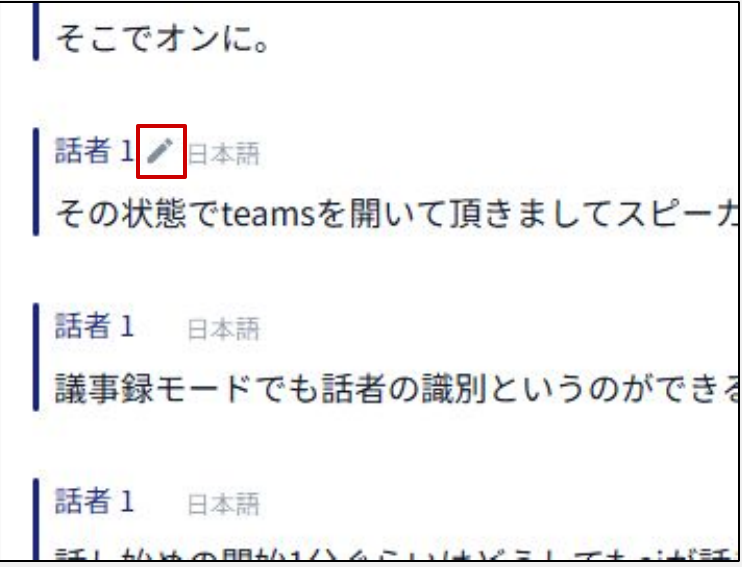
When you change a speaker that already has a name, using the pencil icon that appears when you hover over a speaker name in the transcript, you can now choose This utterance only or All utterances.
If the speaker is wrong in just one place, you can correct that utterance only. If you want to rename the same speaker everywhere, you can change all utterances at once.
For details, see Assigning speaker names.