This page was machine-translated from the Japanese original and may contain unnatural wording or errors. View the Japanese page
This page shows the information as of the date it was posted. Later updates may mean that the current screens and steps differ. For the latest information, see the articles linked on this page.
Case-insensitive search in Find and Replace
Find and Replace in minutes is now case-insensitive when searching.
Search in Find and Replace for minutes is no longer case-sensitive for Latin letters.
Even when a word is written with inconsistent capitalization, you can find and replace every occurrence with a single search.
The replacement text is inserted exactly as you type it. It does not adjust to the capitalization of the matched text.
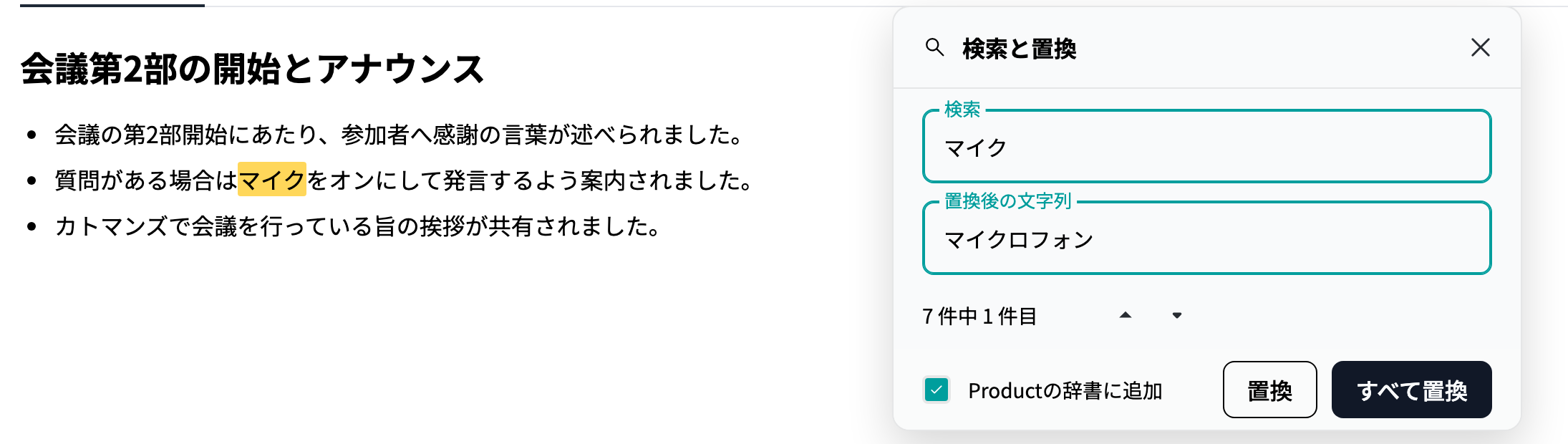
For details, see Replacing text.