This page shows the information as of the date it was posted. Later updates may mean that the current screens and steps differ. For the latest information, see the articles linked on this page.
Invite a bot from a meeting link in the browser version for interpretation and minutes
In the browser version, you can now have a bot join a Teams, Zoom, Google Meet, or Webex meeting from its meeting link to take interpretation and minutes.
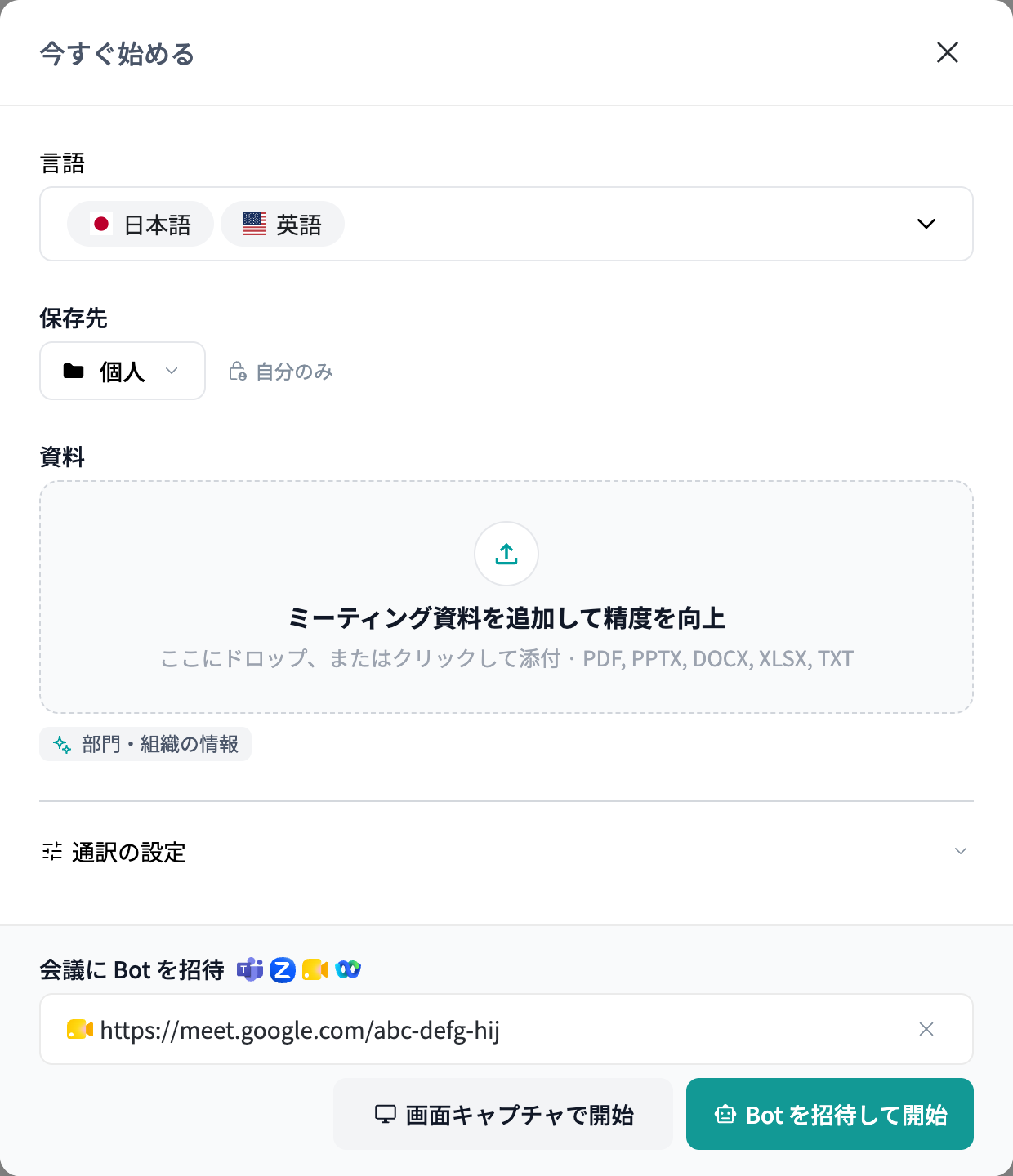
We added an Invite a bot to the meeting field to the "Start now" screen, which opens from Start interpreting (or Start minutes if you want to take minutes only) on the home page of the browser version's admin console. Paste a meeting link and click Invite a bot and start, and the CoeFont Interpreter bot joins the meeting.
Because the bot captures the meeting audio, you don't need to share the meeting screen or system audio in your browser. When interpretation is ready, the bot posts a link to the viewing page in the meeting chat (except in Webex), which makes it easier to tell participants. You can also register a meeting link in a schedule.
For details, see Inviting the Bot and Starting.