This page was machine-translated from the Japanese original and may contain unnatural wording or errors. View the Japanese page
Get started with the iOS app
Read this article when
- You're using CoeFont Interpreter on an iPhone or iPad for the first time
- You want to know how to download the app and log in
The CoeFont Interpreter iOS app works on iPhone and iPad. It picks up surrounding voices with the device's microphone and interprets them, which makes it well suited to in-person meetings and attending lectures. If you use Android, see Get started with the Android app.
For supported devices and OS versions, see System requirements.
Download the app
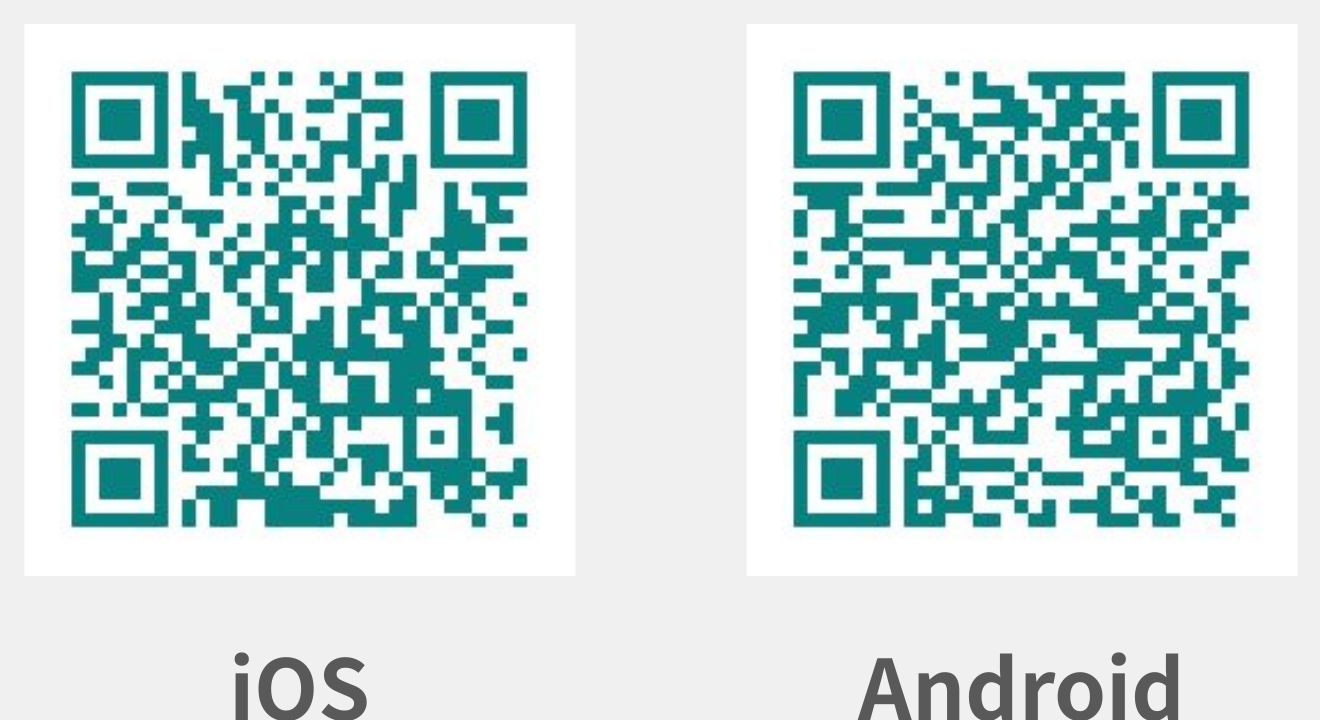
- Scan the iOS QR code in the image below with the camera on your iPhone or iPad.
- From the App Store that opens, download the "CoeFont Interpreter" app.
Log in
Log in with the account you were invited to
Log in with the account you registered through the invitation email from your organization's administrator, not a free account you created yourself.
- Launch the "CoeFont Interpreter" app.
- Tap Log in with CoeFont.
- If you aren't logged in automatically, enter the email address and password you registered with.
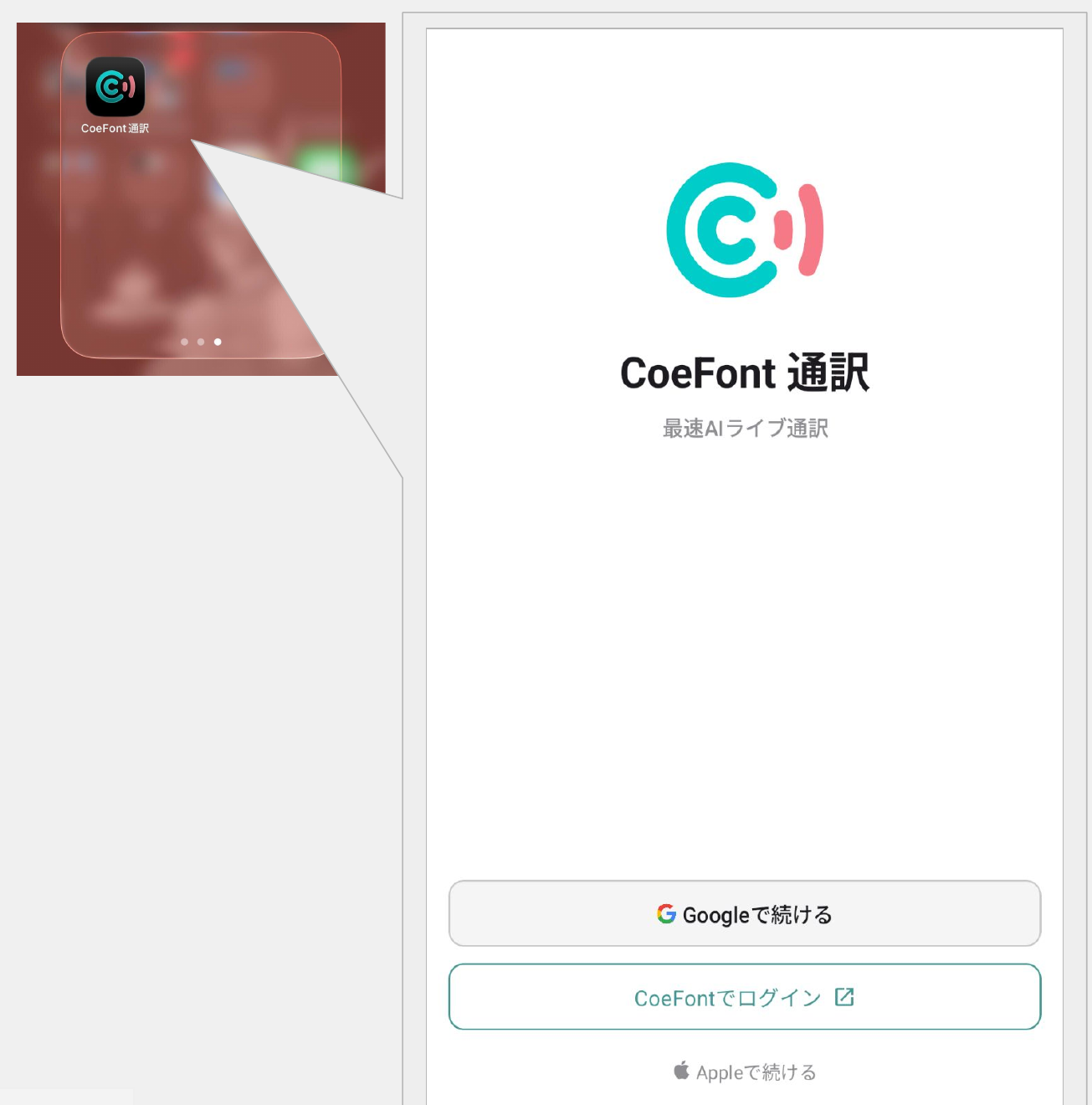
When the main screen appears, you can start interpreting right away.
If you haven't registered your account yet, see Register your account from the invitation email. If you can't log in, see Forgot your password.
Next steps
Related information
Did this article solve your problem?