Rules for Safe Use
Read this article when
- You want to know how to respond when a mistranslation or mishearing occurs
- You are concerned about how minutes and audio data are handled, or about security
- You want to know what rules to set up in your organization to prevent information leaks
Even human simultaneous interpreters mishear and vary in their renderings. Combining the speed of AI with the reliability of people makes for a dependable workflow. Treat all data (audio and text) captured and translated with CoeFont Interpreter as confidential.
4 Rules to Prevent Mistakes and Information Leaks
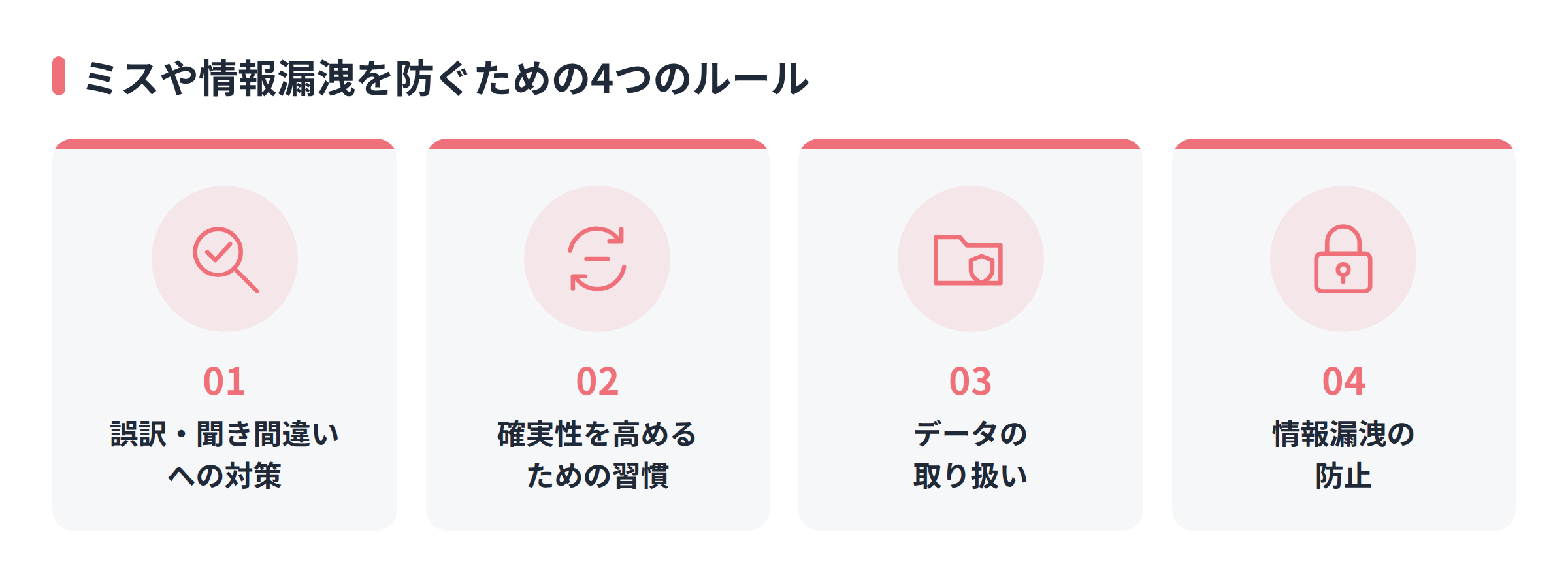
1. Prepare for mistranslation and mishearing
AI translation and transcription do not guarantee 100% accuracy. Have a person do the final fact-check.
2. Build habits that improve reliability
Repeat important statements aloud to confirm them on the spot. We also recommend double-checking by reviewing the transcript after the meeting.
3. Handle data properly
Handle and manage minutes and audio data within the scope of your company's security policy.
4. Prevent information leaks
Copying and pasting into external apps, transferring data to personal devices, and taking screenshots all increase the risk of information leaks. We recommend setting rules within your organization and making sure users know them.
You can manage who minutes are shared with through department and folder settings. When you roll out CoeFont Interpreter, also review your departments and folders settings.